While tinkering with a VEP4600, I ended up loading BIOS defaults at multiple occasions, which caused some performance issues or feature regressions.
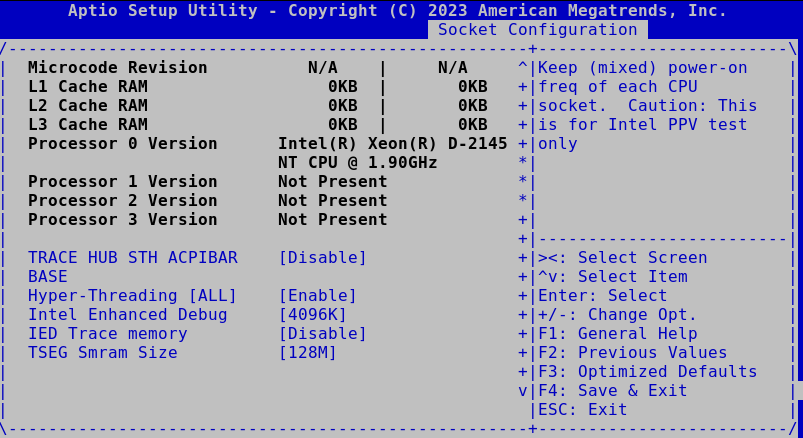
No Hyper-threading
Settings can be accessed through Socket Configuration > Processor Configuration > Hyper-Threading [ALL]
No SR-IOV on RNDC card
This one could disappear if CSM mode is entirely disabled, as entries will disappear from the Advanced menu
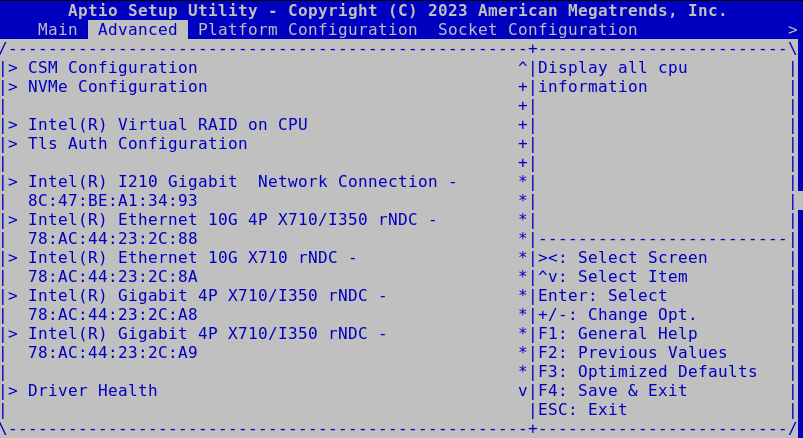
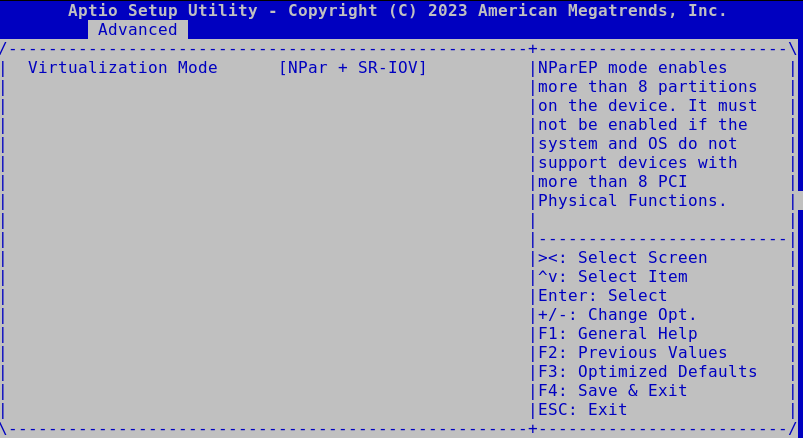
For all rNDC cards, open Device Level Configuration and set rNDC interfaces image widget. It can then be set to SR-IOV or NPar + SR-IOV
Misc settings that should be tuned
There are a couple of other settings that can help with performance / stability
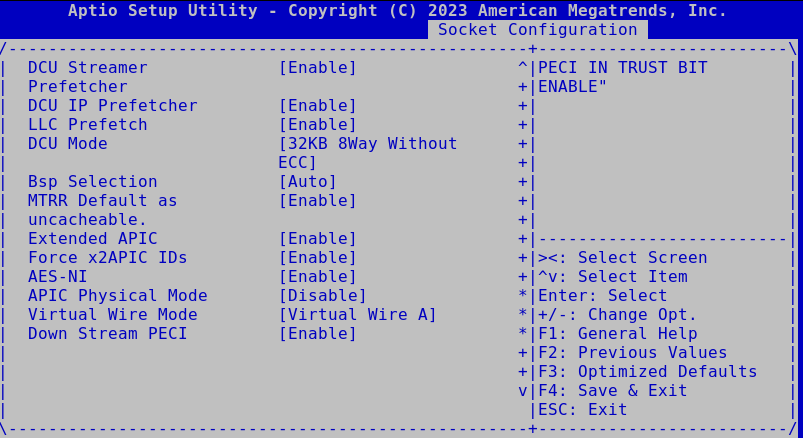
Socket Configuration > Processor Configuration
- Enable Intel(R) TXT [Enable]
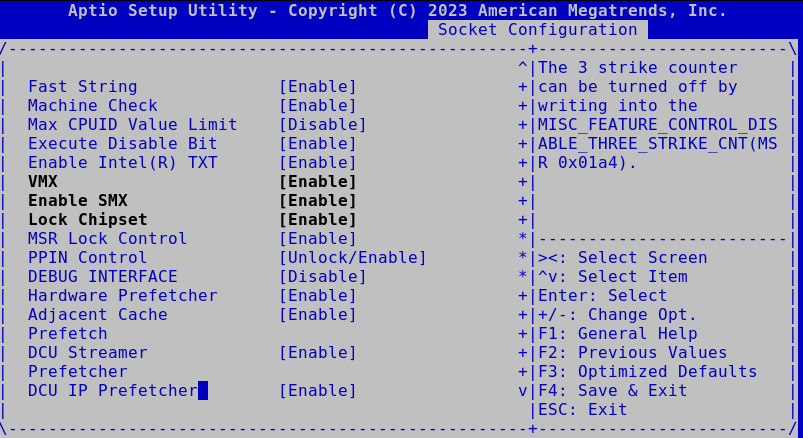
- LLC Prefetch [Enable]
- Extended APIC [Enable]
- Force x2APIC IDs [Enable]
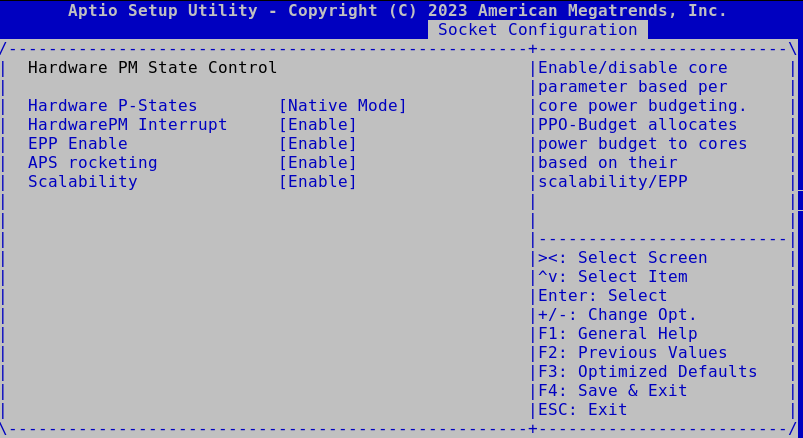
Socket Configuration > Advanced Power Management Configuration > Hardware PM State Control > Hardware P-States [Native Mode]
This setting reduces overall power usage when idle by quite a significant amount (about 10W reported by ipmitool)
- Log in to post comments